relic_waveform
Helper library to generate waveforms.
Author(s): Cooper Dalrymple
Implementation Notes
Software and Dependencies:
Adafruit CircuitPython firmware for the supported boards: https://circuitpython.org/downloads
Adafruit’s Wave library: https://github.com/adafruit/Adafruit_CircuitPython_Wave
Shared Parameters
Each waveform type (besides relic_waveform.noise()) has 5 shared function parameters:
amplitude, phase, frequency, size, and dtype (data type).
Amplitude
By default, the waveform will reach the maximum value allowed by the range of the data type (or -1.0
and 1.0 in the case of ulab.numpy.float). By modifying the amplitude parameter (which is
1.0 by default), you can increase or decrease the strength of the waveform or even invert the shape
by using a negative value. If the value of amplitude is greater than 1.0 (or less than -1.0), this
will introduce clipping to the waveform data at the minimum and maximum values.
|
|
|
|
amplitude=1.0 |
amplitude=0.5 |
amplitude=2.0 |
amplitude=-1.0 |
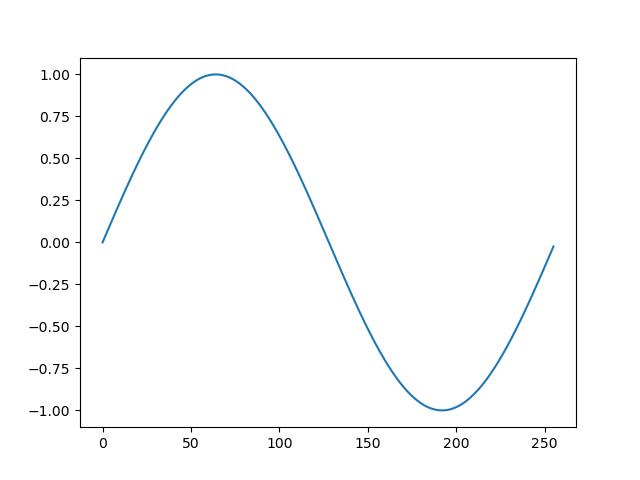
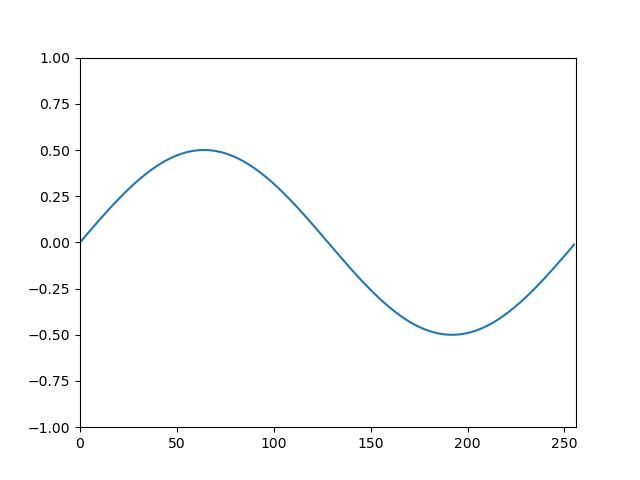
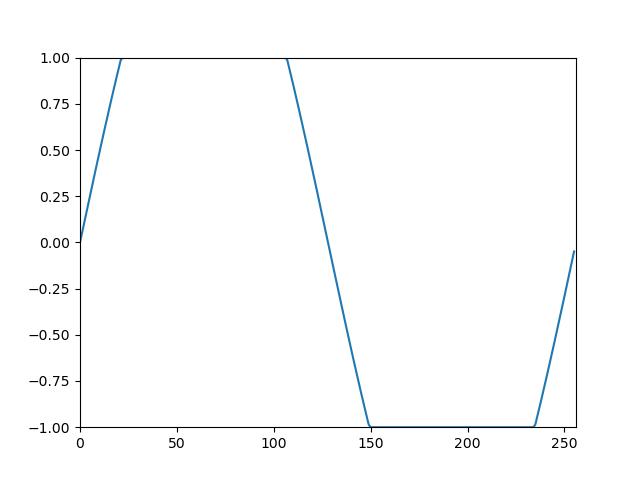
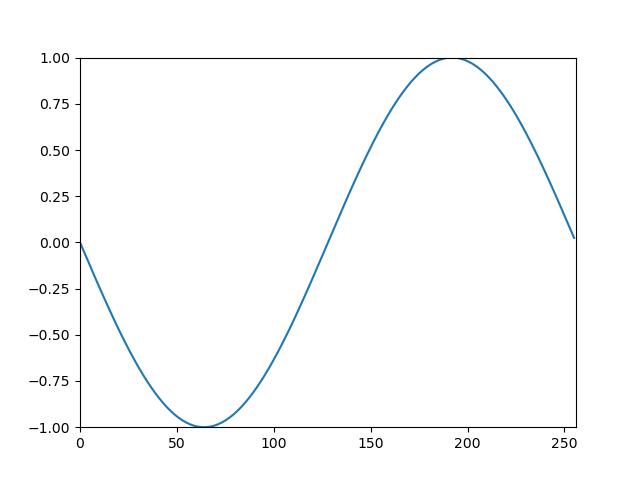
Phase
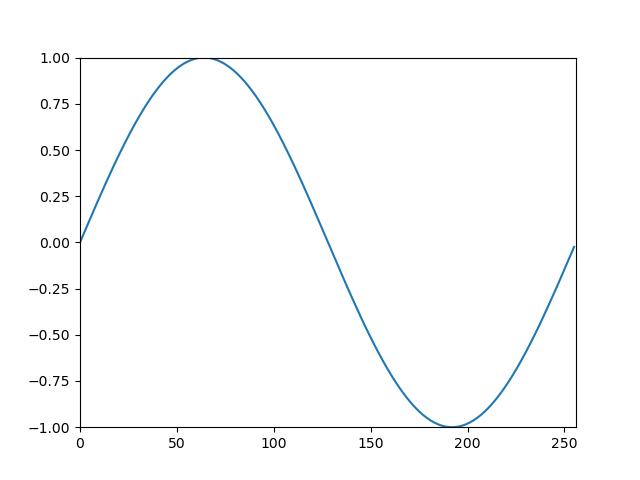
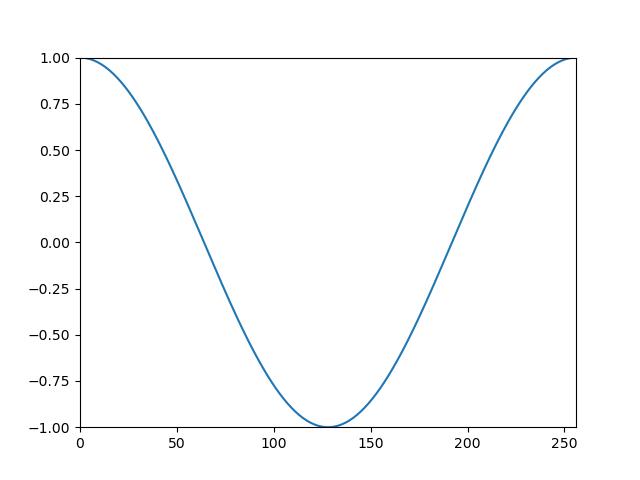
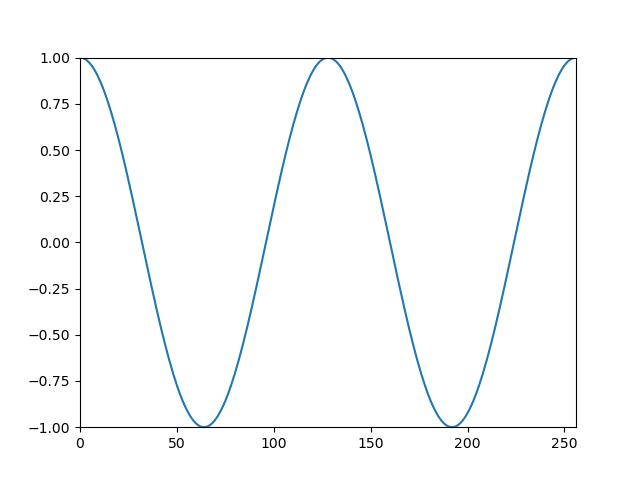
Phase specifies the location of the wave cycle to begin the resulting waveform data. The phase parameter value is relative to a single cycle, so modifying the frequency parameter will affect the scale of the phase in relation to the size of the data.
|
|
|
phase=0.0 |
phase=0.5 |
phase=0.5, frequency=2.0 |
Frequency
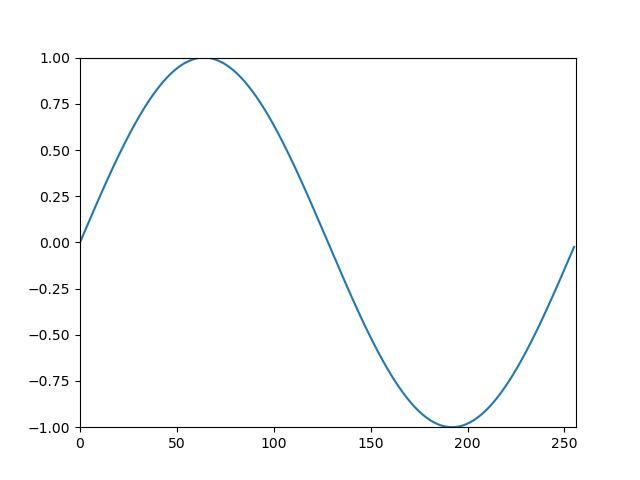
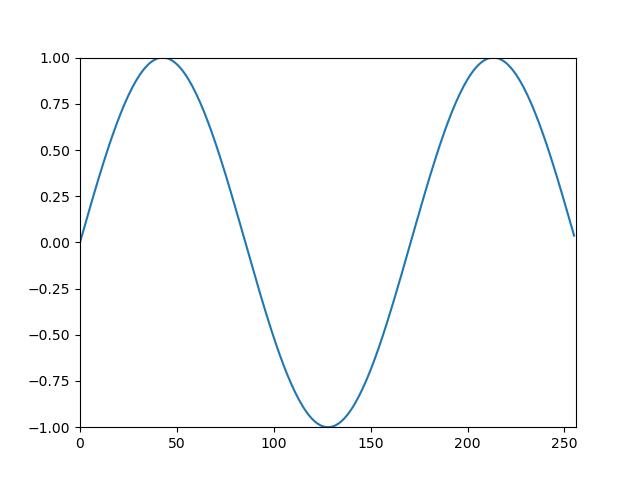
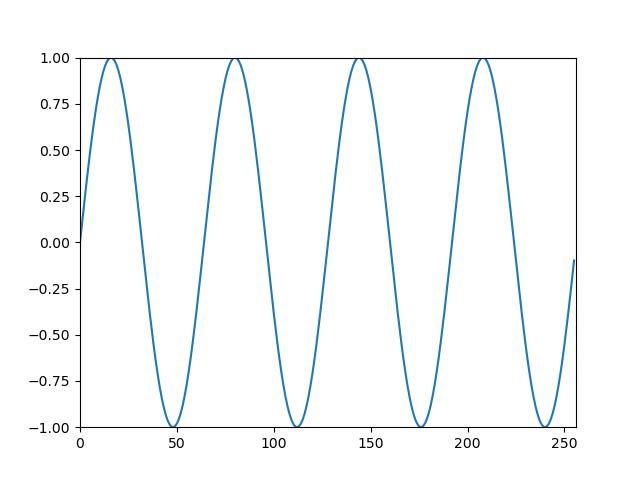
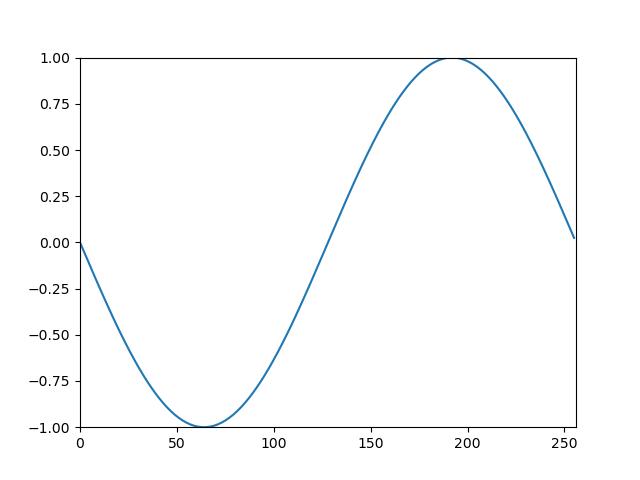
By default, all waveforms will include a single wave cycle in the resulting data. The frequency parameter defines the number of cycles of the waveform. By using a value of 0.0, the waveform will stay at a constant value (not recommended). By using a negative value, the waveform will reverse direction.
|
|
|
|
frequency=1.0 |
frequency=1.5 |
frequency=4.0 |
frequency=-1.0 |
Size
The size of the waveform data is 256 by default. For standard applications such as
synthio.Note, this should be adequate. If a different array length is desired, change this
parameter to the desired positive integer.
Data Type
The data type and range of the resulting waveform data can be specified using dtype. By
default, the data type is ulab.numpy.int16 which is commonly used for synthio.
The waveform data is scaled to the minimum and maximum values allowed by the selected data type. In
the case of ulab.numpy.int16, the minimum and maximum is -32768 and 32767 respectively.
See ulab.numpy for the available data type options (excluding ulab.numpy.bool).
- relic_waveform.from_wav(path: str, max_size: int = None, channel: int = 0) tuple[ulab.numpy.ndarray, int]
Read an single channel from a 16-bit audio wave file (“.wav”).
- Parameters:
path – The path to the “.wav” file
max_size – The maximum limit of which to load samples from the audio file. If set as
None, there is no limit in buffer size. Use to avoid memory overflow with large audio files. Defaults toNone.channel – The channel to extract mono audio data from. Defaults to 0.
- Returns:
A tuple of the waveform data and the sample rate of the source wav file
- relic_waveform.mix(*waveforms: tuple) ulab.numpy.ndarray
Combine multiple waveforms together to a single waveform. All
ulab.numpy.ndarrayobjects must have the same data type. If the sizes of the arrays are inconsistent, the output will be sized to the shortest array.import relic_waveform waveform = relic_waveform.mix( (relic_waveform.triangle(), 0.7), (relic_waveform.saw(frequency=2.0), 0.1), (relic_waveform.saw(frequency=3.0), 0.1), (relic_waveform.saw(frequency=4.0), 0.1), )

- Parameters:
waveforms – The arrays to be mixed together. In order to specify the level for each waveform, each waveform can be provided as a tuple with the first element being the waveform data and the second being the level.
- relic_waveform.noise(amplitude: float = 1.0, size: int = _DEFAULT_SIZE, dtype: ulab.numpy._DType = _DEFAULT_DTYPE) ulab.numpy.ndarray
Generate random “white” noise

- Parameters:
amplitude – The level of the waveform
size – The number of frames of the resulting array
dtype – Data type code to use for the resulting array
- relic_waveform.saw(amplitude: float = 1.0, phase: float = 0.0, frequency: float = 1.0, reverse: bool = False, size: int = _DEFAULT_SIZE, dtype: ulab.numpy._DType = _DEFAULT_DTYPE) ulab.numpy.ndarray
Generate a sawtooth waveform.

- Parameters:
amplitude – The level of the waveform
phase – The cycle offset
frequency – The number of cycles
reverse –
The direction of the waveform, either decrementing (
False) or incrementing (True)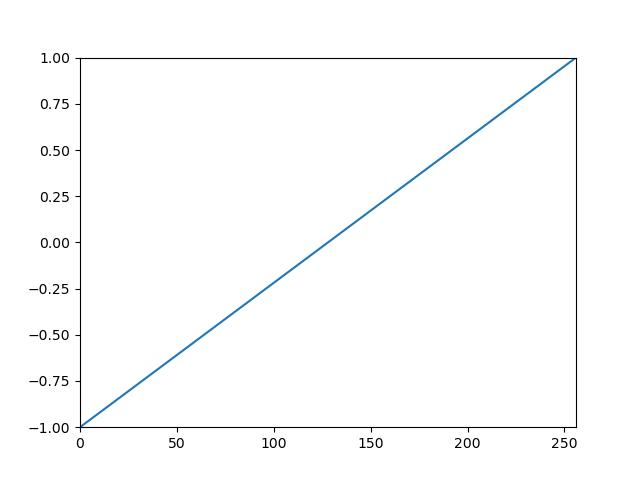
reverse=True
size – The number of frames of the resulting array
dtype – Data type code to use for the resulting array
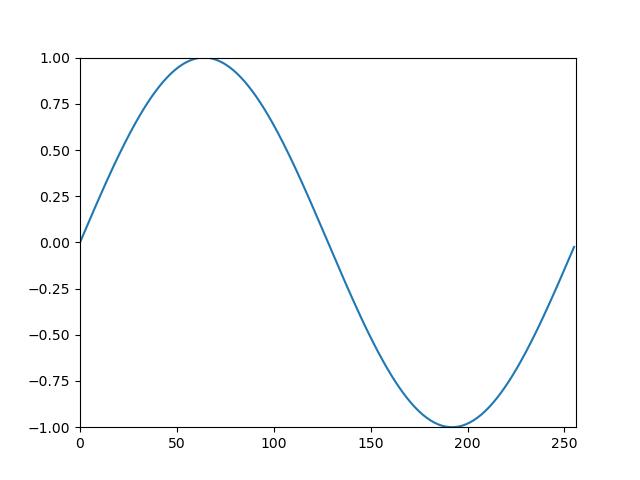
- relic_waveform.sine(amplitude: float = 1.0, phase: float = 0.0, frequency: float = 1.0, size: int = _DEFAULT_SIZE, dtype: ulab.numpy._DType = _DEFAULT_DTYPE) ulab.numpy.ndarray
Generate a sinusoidal waveform.
- Parameters:
amplitude – The level of the waveform
phase – The cycle offset
frequency – The number of cycles
size – The number of frames of the resulting array
dtype – Data type code to use for the resulting array
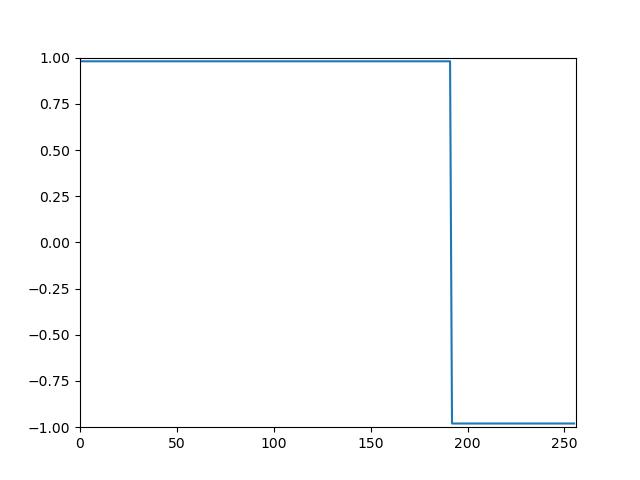
- relic_waveform.square(amplitude: float = 1.0, phase: float = 0.0, frequency: float = 1.0, duty_cycle: float = 0.5, size: int = _DEFAULT_SIZE, dtype: ulab.numpy._DType = _DEFAULT_DTYPE) ulab.numpy.ndarray
Generate a square waveform.

- Parameters:
amplitude – The level of the waveform
phase – The cycle offset
frequency – The number of cycles
duty_cycle –
The ratio of a cycle that is “high” from 0.0 to 1.0

duty_cycle=0.25
duty_cycle=0.75
size – The number of frames of the resulting array
dtype – Data type code to use for the resulting array
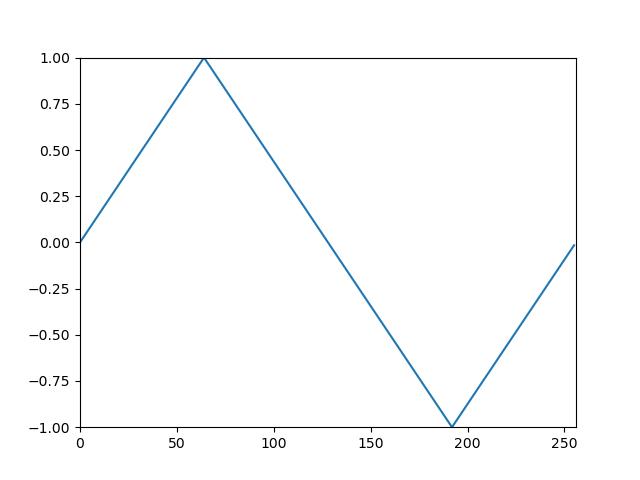
- relic_waveform.triangle(amplitude: float = 1.0, phase: float = 0.0, frequency: float = 1.0, size: int = _DEFAULT_SIZE, dtype: ulab.numpy._DType = _DEFAULT_DTYPE) ulab.numpy.ndarray
Generate a triangle waveform.
- Parameters:
amplitude – The level of the waveform
phase – The cycle offset
frequency – The number of cycles
size – The number of frames of the resulting array
dtype – Data type code to use for the resulting array